← All apps

Sweep
All-in-one Mac care. Sweep finds space you can get back, tells you what is safe to remove and what is not, and uninstalls apps properly.
All-in-one Mac care. Sweep finds space you can get back, tells you what is safe to remove and what is not, and uninstalls apps properly.
Inside Sweep
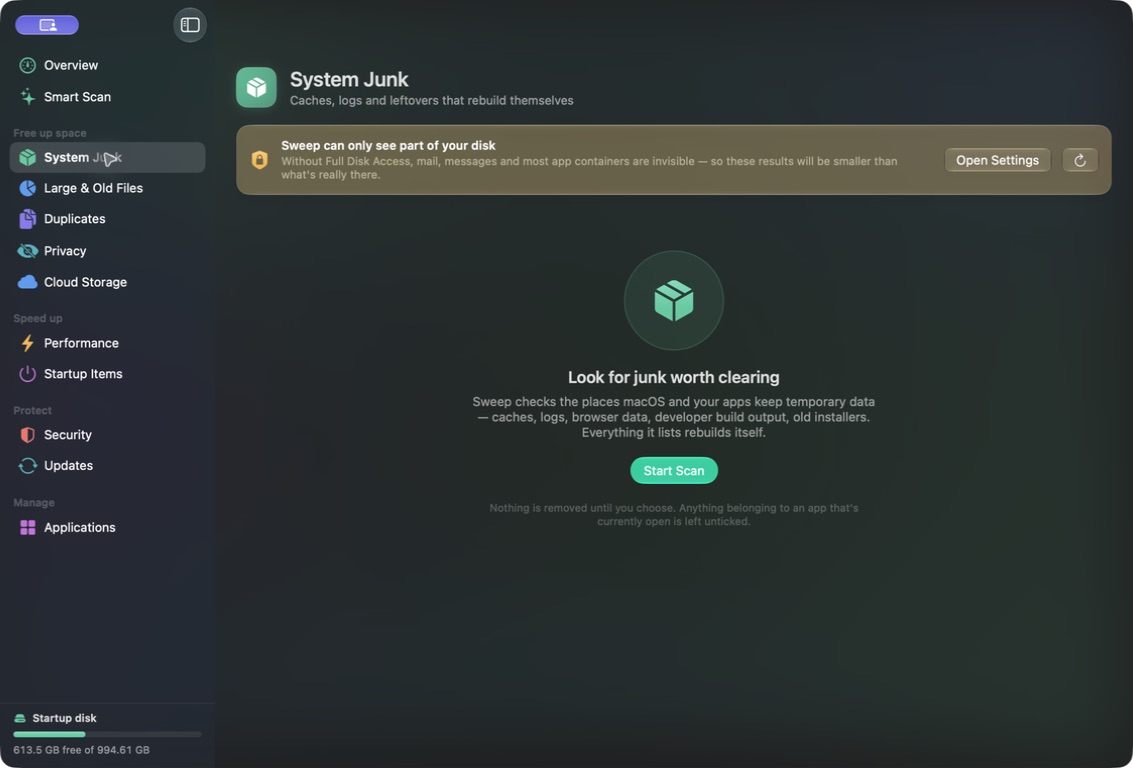
Captured from the current development build—not a concept render.
Space
System junk, large and old files, and duplicates — including perceptually similar photos, which you can switch off and watch every number on screen change with it, because the totals are derived from what you are actually looking at.
Interface preview · scan results
Safety
Nothing is removed that you did not tick, and every removal in the app funnels through a single function that checks each path against a veto list first — enforced at the point of removal rather than discovery, so a bug in any one of the ten scanners cannot become a destroyed home directory.
Interface preview · the safety veto
Applications
Support files, agents and caches go with the bundle, plus an audit of startup items and the places unwanted software hides. Inside iCloud Drive, Sweep evicts local copies rather than deleting anything.
Interface preview · the applications pane
Using Sweep
A practical walkthrough of the core workflow.
Under the hood
Sweep will never remove anything in /System, /usr, /bin, /sbin or your Keychains, or any top-level folder of your home directory. Sixty-one adversarial path assertions run against that gate after any change to it.
Feature requests and bug reports are genuinely welcome — most of what these apps do came from someone pointing out that the alternative was annoying.